
An enrollment endpoint that never sleeps is convenient for machines and comfortable for anyone else who finds it. Timed admission windows are the middle path: enrollment is possible when a person deliberately makes it possible, for a bounded duration, and it is not a standing invitation between commissioning events.
This guide covers time-bounded enrollment in HUBaaS: the always-versus-window posture, choosing a duration, the difference between a desired setting and an applied command, verifying open and close across replicas, and planning renewals so the window never becomes a surprise. Every timing and host detail here is invented.
Where HUBaaS fits
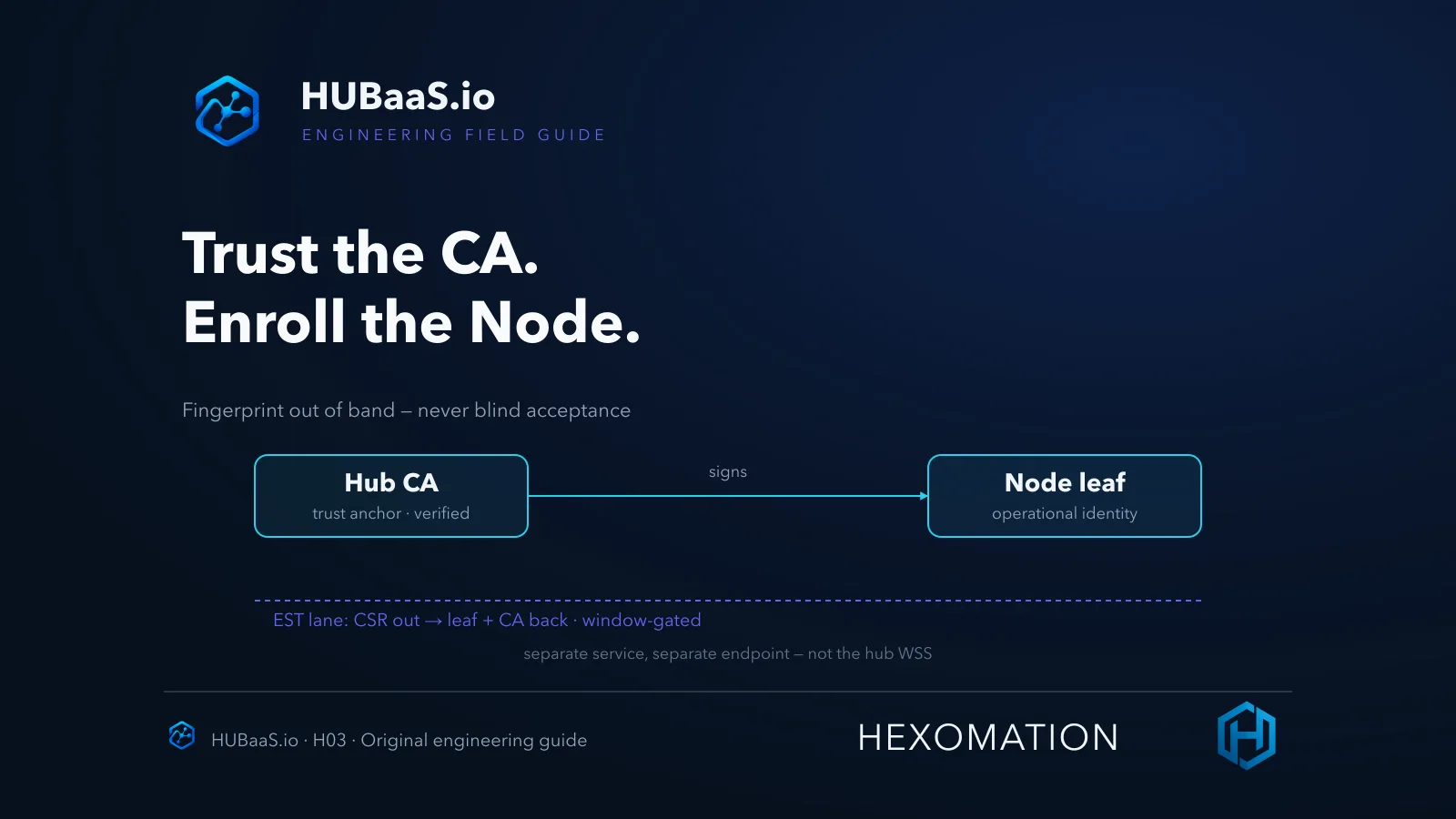
HUBaaS is Hexomation’s managed BACnet Secure Connect service: per site, one primary hub, optional warm standby, and an optional hosted supervisory node — SC only, no native field-protocol interfaces. The enrollment service and the hub’s WebSocket endpoint are separate provisioned hostnames/endpoints — take both values from the console rather than deriving one from the other — and each managed hub carries its own certificate authority.
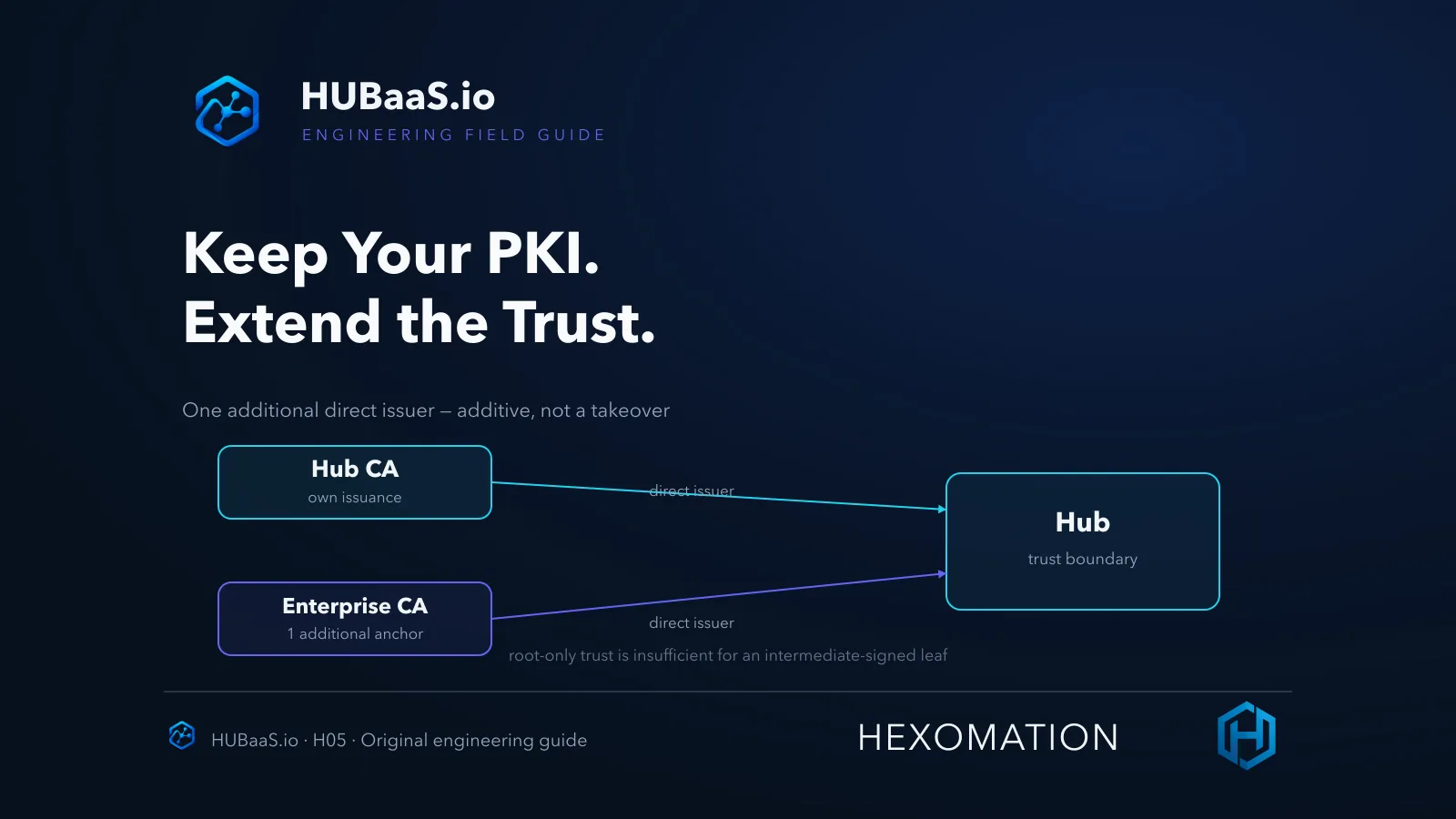
Admission control lives in the console and in the service itself: operators choose an always-open or windowed posture and can run timed open/close actions. Feature availability follows the product plan and version. This article covers admission timing; the trust bootstrap itself — CA fingerprints and EST operations — has its own companion guide.
Why dedicate a whole piece to a timer? Because the enrollment window governs when identities can be created at all. Everything downstream — trust verification, connected-node review, revocation — only gets to act on what admission let through.
Always versus window is a posture decision
Always-open enrollment does not mean anonymous enrollment — configured authentication still applies, and a node still needs a legitimate CSR and the window of opportunity to complete. What it removes is the temporal gate: any moment is an admissible moment. That posture can genuinely fit automated fleets with a different risk model — the honest trade is convenience against a permanently available issuance surface.
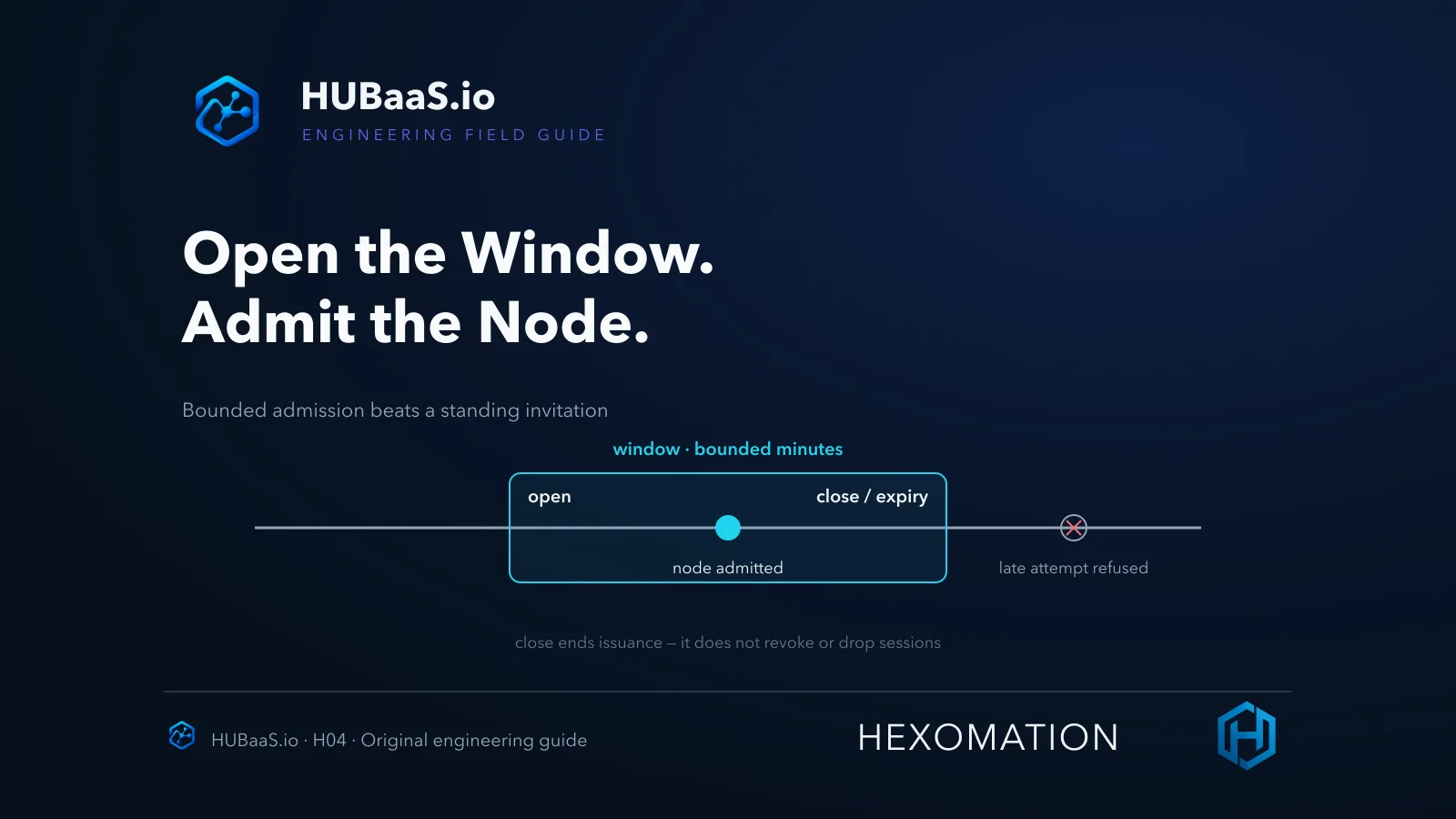
The windowed posture bounds that surface to a chosen duration — the console accepts windows in the one-to-480-minute range. Commissioning a floor of nodes is a windowed event; standing enrollment for a fleet that joins and rejoins continuously may justifiably be always-on. Choose per site and per phase, not by habit.
And document the choice. “Windowed” without a recorded reason and owner is a setting nobody can defend in an audit; a written posture — who chose it, for which site, until when — is a policy.
Setting versus command versus what actually applied
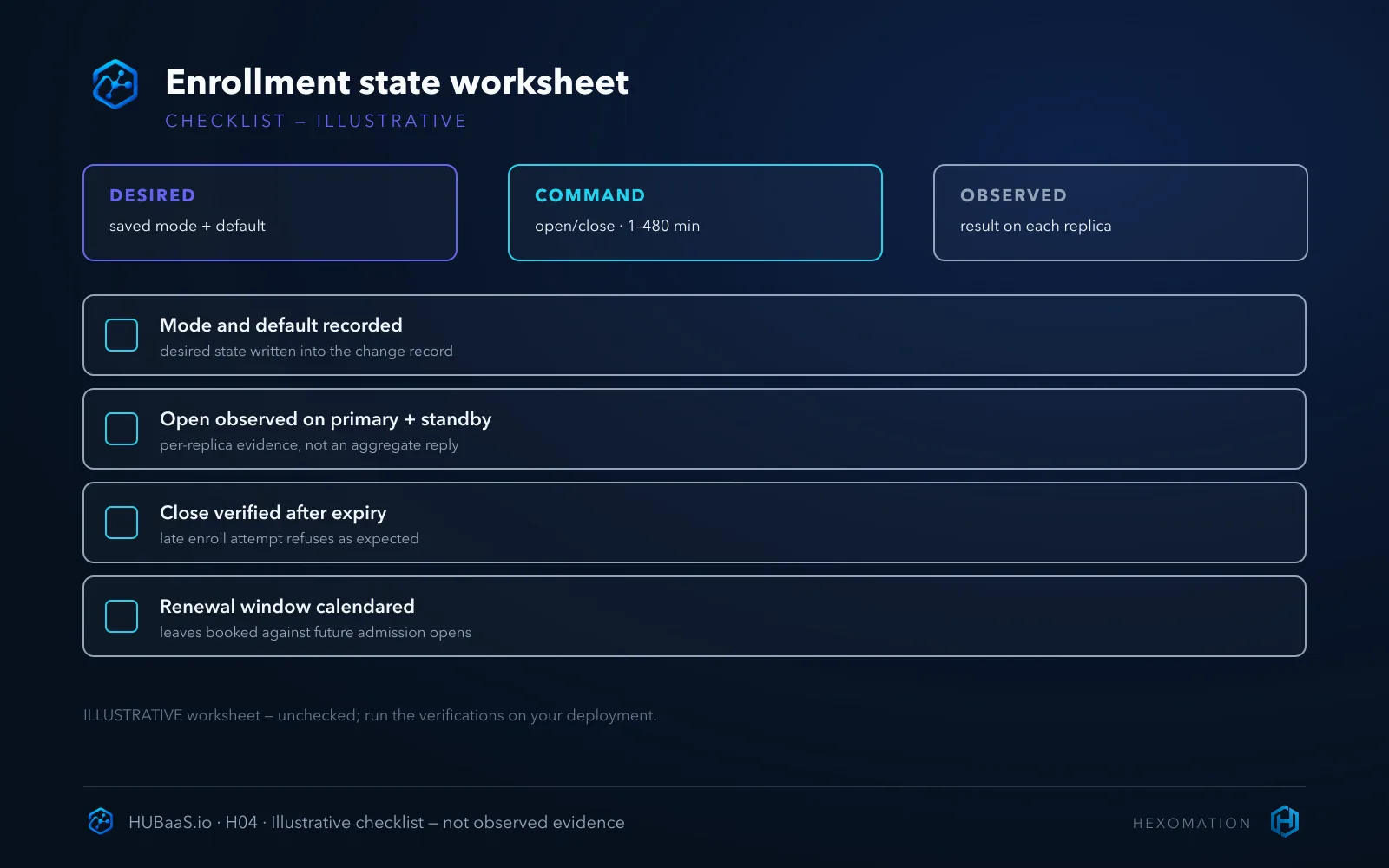
Two different levers exist and they are not interchangeable. The saved enrollment setting — always or window, with a default duration — is desired state: changes reconcile through the platform and may restart the pods. A timed open/close action is a command: it queues an admission change for a specified number of minutes — it is not proof the change has already applied everywhere.
That distinction matters most under redundancy. A load-balanced response or an aggregate console display is not evidence that every replica applied the change — per-pod fan-out is how the command actually lands, and the only honest verification is checking the observable result on both the primary and, when enabled, the standby. “I clicked open” is an intention; “enrollment is open on the replicas that matter” is a fact.
Mode changes carry a second caveat worth planning around: saving a new desired mode or default can reconcile the pods — including restarts. Treat a setting change as a maintenance action with a window of its own, not a silent toggle, and expect the apply to be observable rather than instant.
Open deliberately, verify, then close
The commissioning rhythm that works: open a window sized for the work — long enough to enroll without rushing, short enough that a forgotten window doesn’t linger past the task — then run enrollments, then verify the window closed on expiry or close it yourself. If you want negative evidence for the gate, run a late enrollment attempt from a separately authorized, disposable lab client — this article did not run one — and treat an unexpected success as a finding worth investigating, not a bonus.
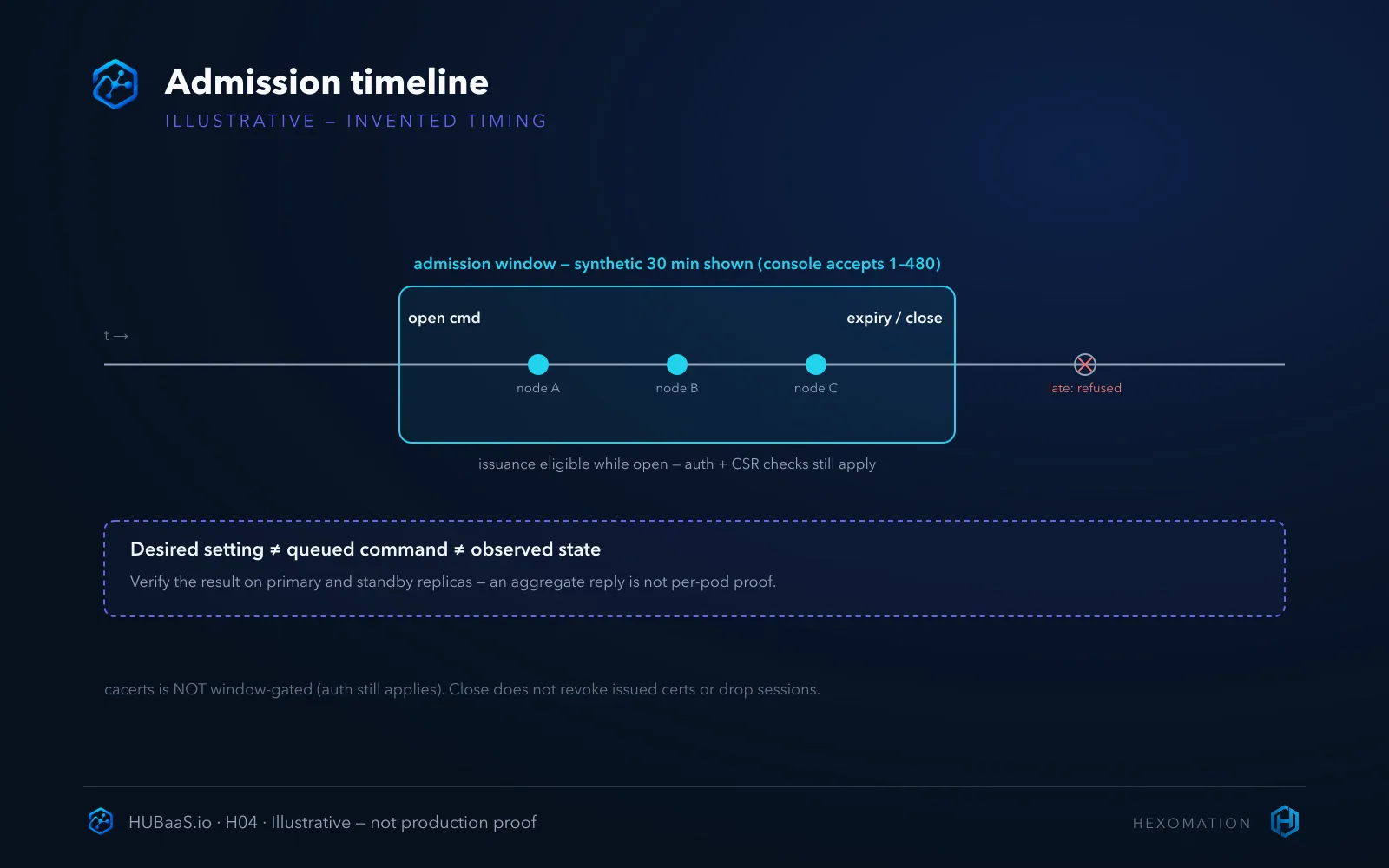
Closing a window ends new issuance — it does not revoke already-issued certificates and it does not drop established SC sessions. Nodes that enrolled while the window was open may continue subject to their leaf validity and trust configuration; the window governs admission, not sessions or validity. If a node should lose access entirely, that’s a separate lifecycle action, not a window setting.
The symmetry is equally important: expiry closes the gate without anyone clicking close, which is exactly the self-limiting behavior the feature exists for — but only if the open was bounded in the first place. A “temporary” open with no expiry is just always-open wearing a costume.
Sizing the window honestly
Within the product’s accepted 1–480-minute range, the sizing question is operational, not mathematical. Estimate the enrollment work — nodes expected, realistic time per node including the inevitable restart and re-check — and choose an adequate bounded duration; if the work finishes early, close the window yourself rather than waiting for expiry. A sixty-minute task does not need a 480-minute gate.
Two failure modes bracket the range. Too short and enrollments collide with the deadline, someone re-opens in a hurry and the gate becomes theater. Too long and the window outlives the task it was opened for, which undermines the point of bounding it. The honest size is the one that fits the work and then insists on closing.
If standby is enabled, size for verification time on both replicas too — the open check is not done when one side answers. The window you budget should include the audit, not just the enrollments.
Renewals need the same planning
The easy mistake is treating the window as a one-time commissioning gate and forgetting that reenrollment travels the same admission check. A node whose leaf expires when no window is open cannot renew until someone opens one — calendar the expected renewal dates and align them with maintenance windows, or accept that certificate expiry will quietly take nodes offline.
The cacerts operation is the exception worth remembering: it is not window-gated (configured authentication still applies), so fetching the CA for fingerprint verification doesn’t need an open window. Everything that issues — enroll and reenroll alike — waits for admission.
A practical habit that prevents the renewal trap: when a leaf is issued, record its expiry and pre-schedule the window that will cover its renewal. The five minutes spent then is cheaper than an incident call when a fleet of leaves ages out together.
When always-open is defensible
The fair alternative deserves an honest hearing: continuously available authenticated enrollment can be the right call for fleets that provision themselves — zero-touch nodes joining on a schedule no operator can predict. If you choose it, the compensating controls become the security posture: the authenticated gate stays enforced, issued identities get monitored, and revocation hygiene has to be strong because the temporal gate is gone.
What is not defensible is the in-between accident: a posture set to windowed for the compliance document, left always-open in practice because the window workflow felt inconvenient. An honest always-open decision is a posture; an undocumented one is a gap.
Measure the posture against your real traffic, too. If enrollment events happen weekly, a standing gate earns its inconvenience; if they happen hourly across a fleet, windows become operational noise and the case for authenticated always-open gets stronger. The right answer is the one you can state out loud.
Deliberate admission, verified application
The sequence that holds up: pick the posture per site, open a bounded window for the enrollment event, verify the open actually landed on the replicas that matter — desired state and command results are different facts — enroll, then confirm the window closed — and if negative admission evidence is needed, test it with a separately authorized lab client, not an operational node. Calendar renewals into the same discipline.
Two habits keep the gate honest over time: record every open/close as an event with an operator and a reason, and re-check the posture whenever a mode setting changes — because desired-state edits, not just commands, move the ground under your assumptions.
To define an enrollment runbook for your deployment, review the managed service at HUBaaS.io. Companion guides cover the managed hub itself, the CA/EST trust bootstrap, and enterprise issuer trust — the pieces admission timing plugs into.